Model Context Protocol · Connector

Your entire AI studio,
now inside Claude.

One connector turns Claude into a full creative studio — generate, remix, animate, and upscale across every frontier model, directing the camera in plain words. Your workspace, your credits, rendered right in the chat.

https://mcp.masonry.so
Add as a custom connector in Claude → Settings → Connectors
What you can make

Say it. See it.

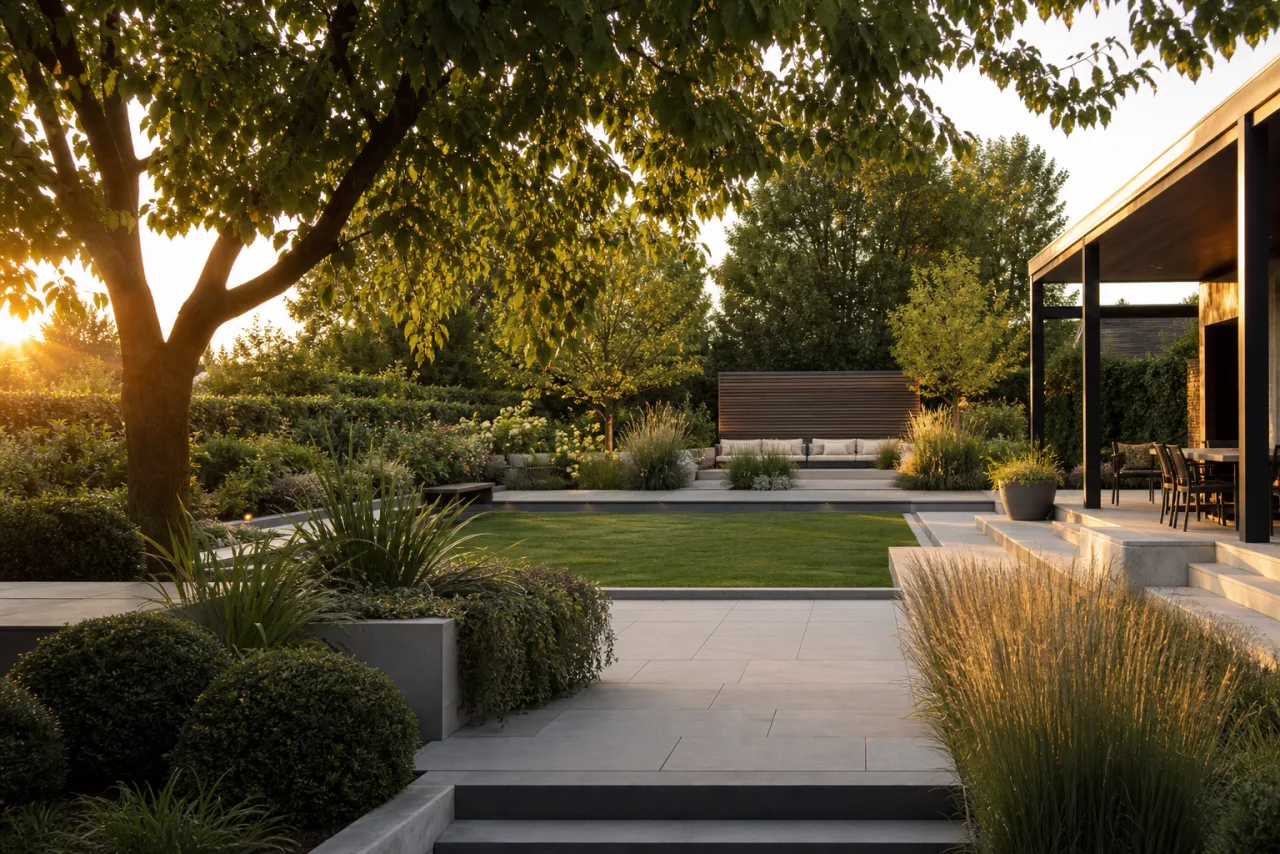
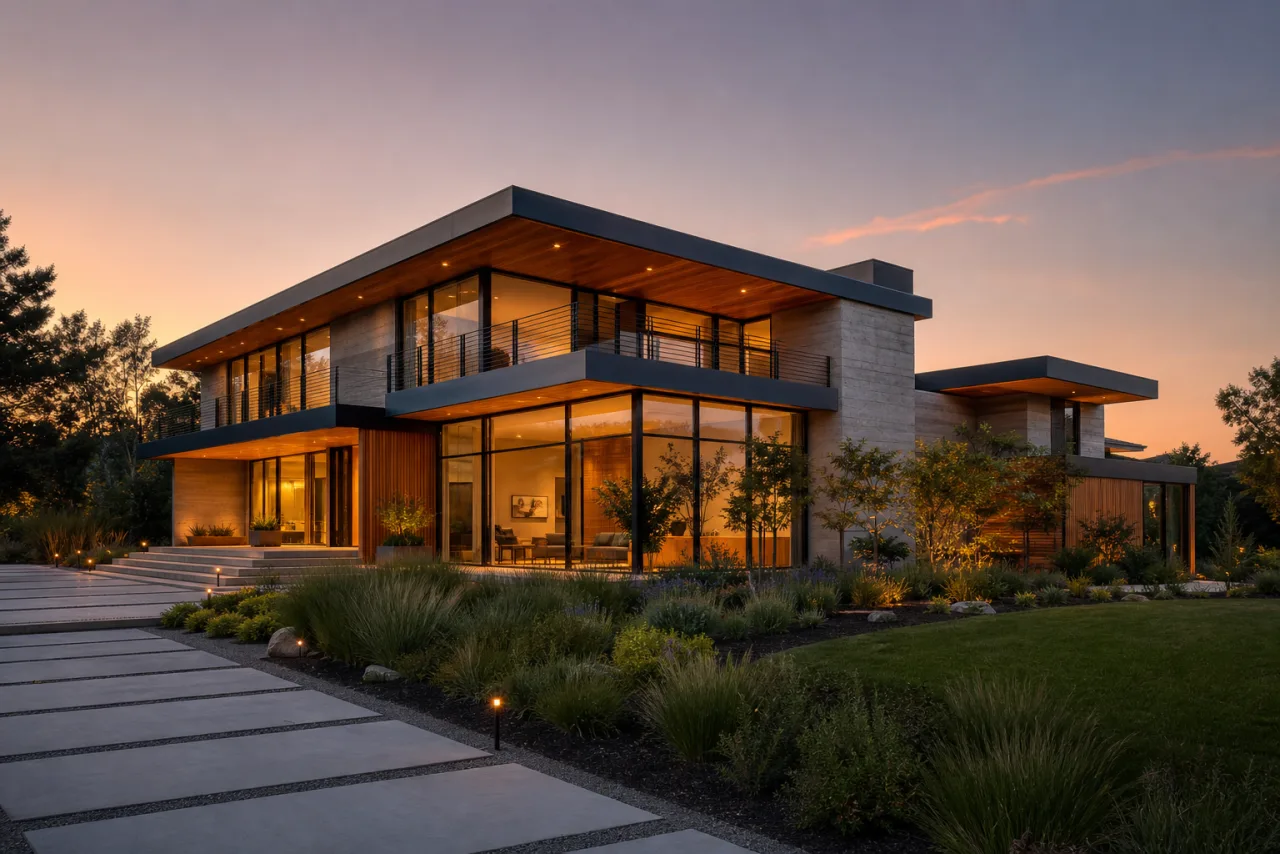
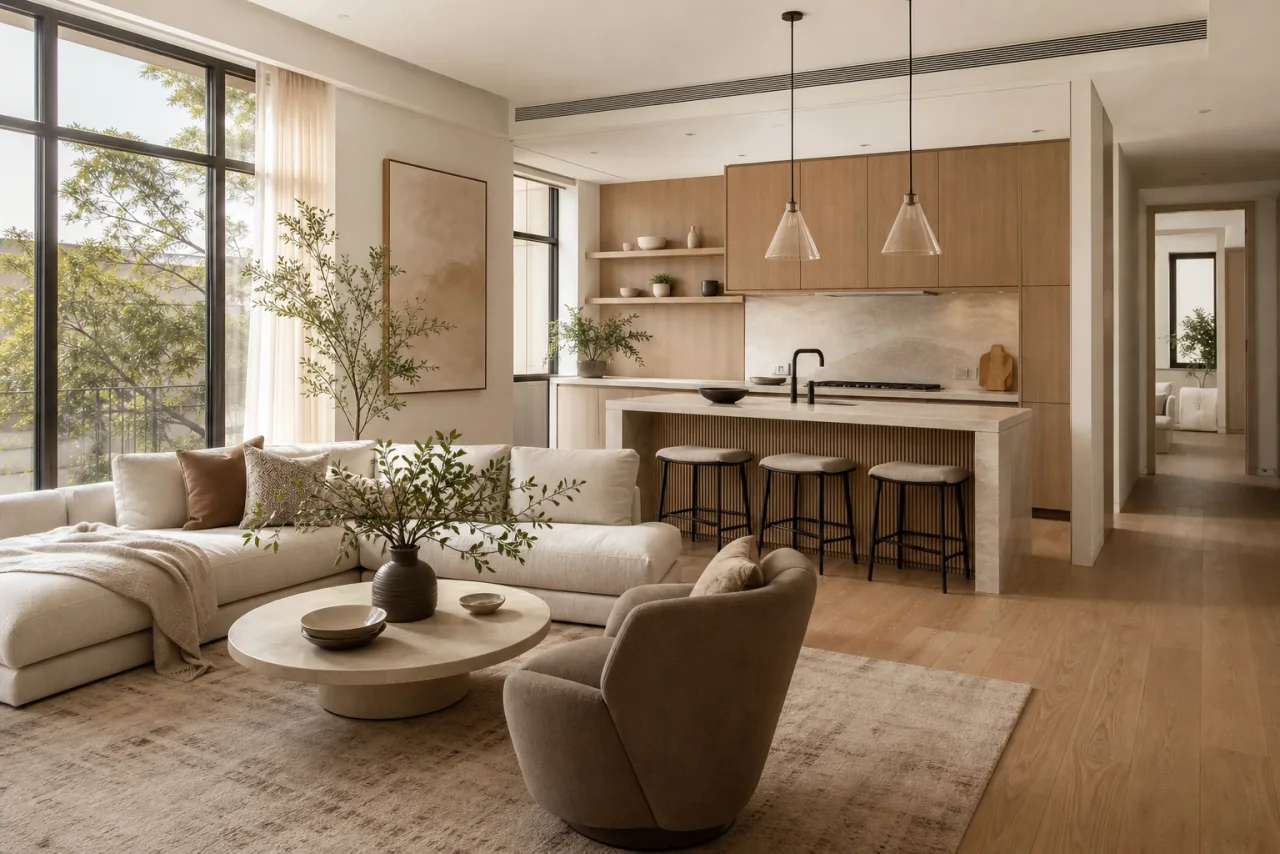
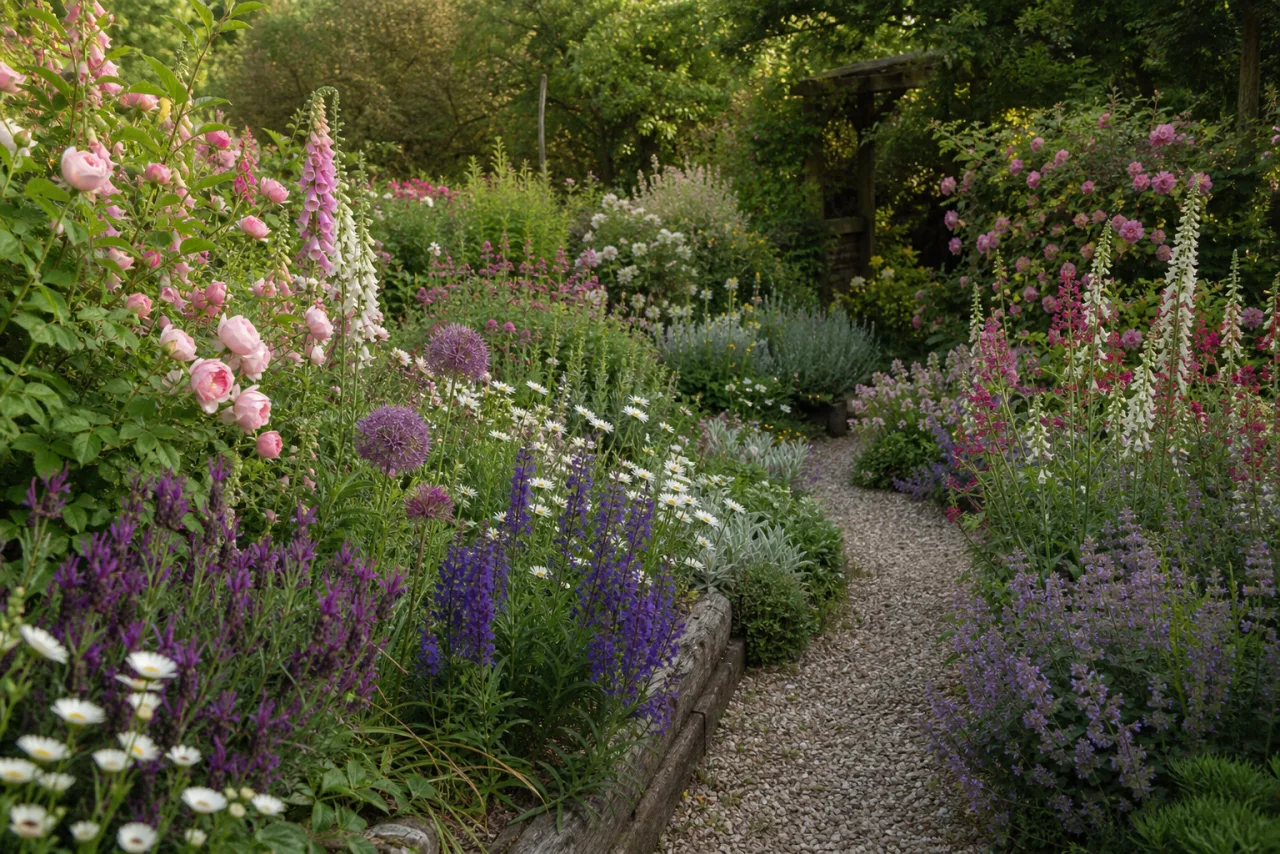
Describe a space; Claude renders it with Masonry's best models — no tools to learn, no tabs to switch.
Multi-model, one workspace

Every model. One sentence away.

Name Nano Banana, Veo 3.1, Sora, Kling 3, FLUX.2, Seedance or Ideogram — or say nothing and Claude picks your workspace default.

The toolset

One connector. The whole studio.

Everything the connector hands Claude — images return inline, video runs in the background, every call scoped to your account and billed to your credits.

generate_image

Describe it; get a finished image inline, in seconds — pick any model, aspect ratio, or a one-word style preset.sync

animate_image

Bring any still to life as a video. Point it at an image and call a cinematic camera move — orbit, crash zoom, FPV drone, dolly-in.new

remix_image

Edit an image just by describing the change — restyle, swap, add or remove — while keeping its composition.

upscale_image

Sharpen and enlarge to 2×, 3× or 4× — crisp detail for print, hero shots and close crops.new

generate_video

Start a clip from a prompt and keep talking. Claude hands back a job and fetches the finished video for you.async

check_generationlist_models

Track any job and browse every model your workspace can use — Claude polls and drops results straight into the chat.

Direct the camera

Every move. One word away.

Animate any still and call the shot in plain language — Masonry maps it to a cinematic camera move, the way a director would.

zoom in dolly in crash zoom 360° orbit crane up FPV drone dutch angle whip pan bullet time handheld dolly zoom aerial pull-back + more
Why in Claude

The studio, where you're already working.

Claude already has the context

It knows your project from the conversation — no re-briefing, no shuttling prompts between tabs. Ask in the same breath you were already typing.

Every frontier model, one place

Nano Banana, Veo, Sora, Kling, FLUX, Seedance, Ideogram — switch by naming them, or let your workspace default decide.

It all stays in the thread

Images and video render inline as interactive cards — one-click download, saved to your workspace, billed to your own credits.

Three steps

Connect once. Create anywhere.

  1. 1

    Sign in to Masonry

    Pick the workspace you want Claude to use. Account creation and sign-in stay on Masonry — Claude only ever receives a scoped token, never your password.

  2. 2

    Add the connector in Claude

    Settings → Connectors → Add custom connector, and paste your endpoint.

    https://mcp.masonry.so
  3. 3

    Start generating

    Ask Claude for an image or a video. Results render inline, in your workspace, on your credits.

Full setup guide

OAuth-secured. Your seat, your credits.

Claude receives a scoped access token — never your password. Every call runs as you, inside your own workspace, on your own credits. The connector stores no shared secret.